Understanding the OSI Model: A Simple Guide
If you've ever wondered how two completely different devices — say, your laptop and a web server halfway across the world — manage to understand each other, the answer lies in a framework called the OSI Model.
What Is the OSI Model?
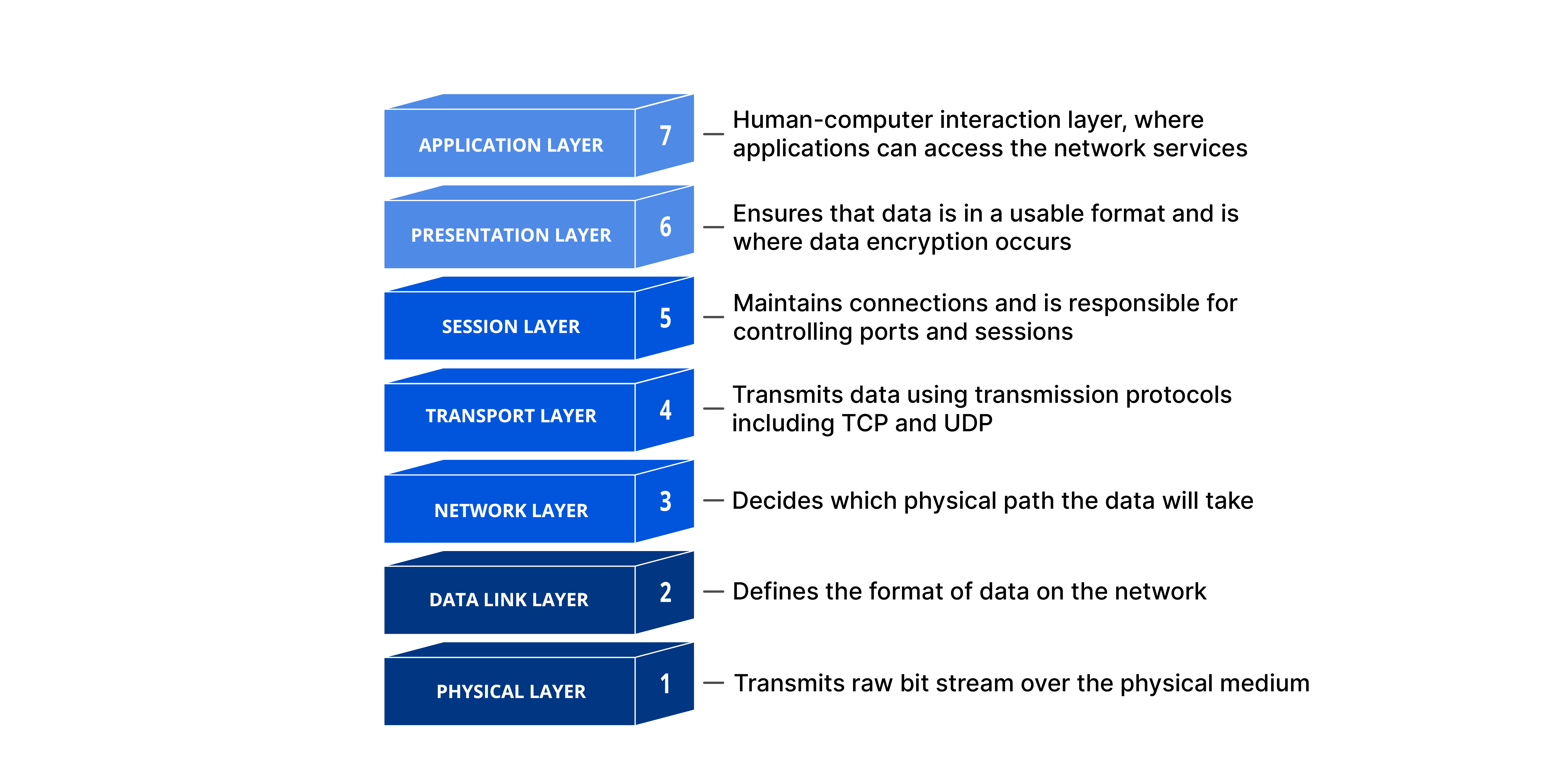
The Open Systems Interconnection (OSI) Model is a conceptual framework created by the International Organization for Standardization (ISO) that standardizes how different computer systems communicate with one another. In simple terms, it's a universal language for networking — a common set of rules that lets any two devices, regardless of their hardware or software, exchange data reliably.
The model splits the entire process of network communication into seven abstract layers, stacked one on top of another. Each layer has a specific job, and it only talks to the layers directly above and below it.
Why Does the OSI Model Matter?
The modern internet doesn't strictly follow the OSI Model — it's actually closer to the simpler TCP/IP suite. So why do we still learn it?
Because the OSI Model is an excellent troubleshooting tool. Whether it's a single laptop that can't connect to Wi-Fi, or an entire website going down for thousands of users, breaking the problem into these seven layers helps engineers pinpoint exactly where things are going wrong — saving time and avoiding unnecessary guesswork.
The 7 Layers of the OSI Model
Here's a breakdown from top (closest to the user) to bottom (closest to the physical hardware):
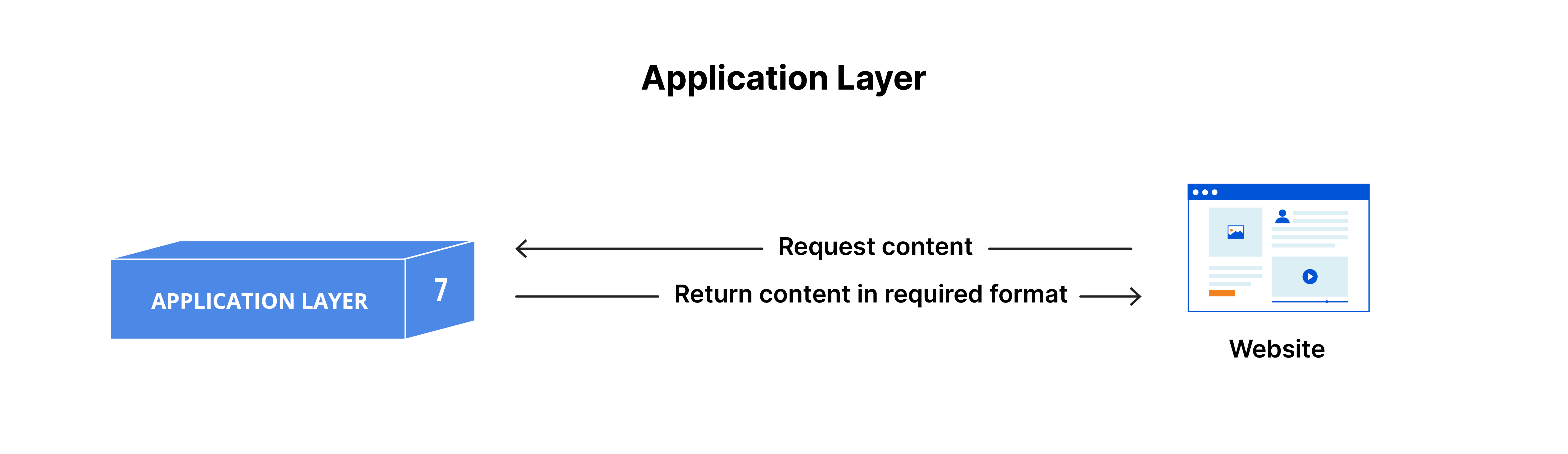
7. Application Layer
This is the only layer that directly interacts with the end user's data. Applications like web browsers and email clients rely on this layer's protocols — such as HTTP and SMTP — to send and receive meaningful data. Note: the app itself (like Chrome) isn't part of this layer; the layer refers to the protocols and data-handling that the app depends on.
6. Presentation Layer
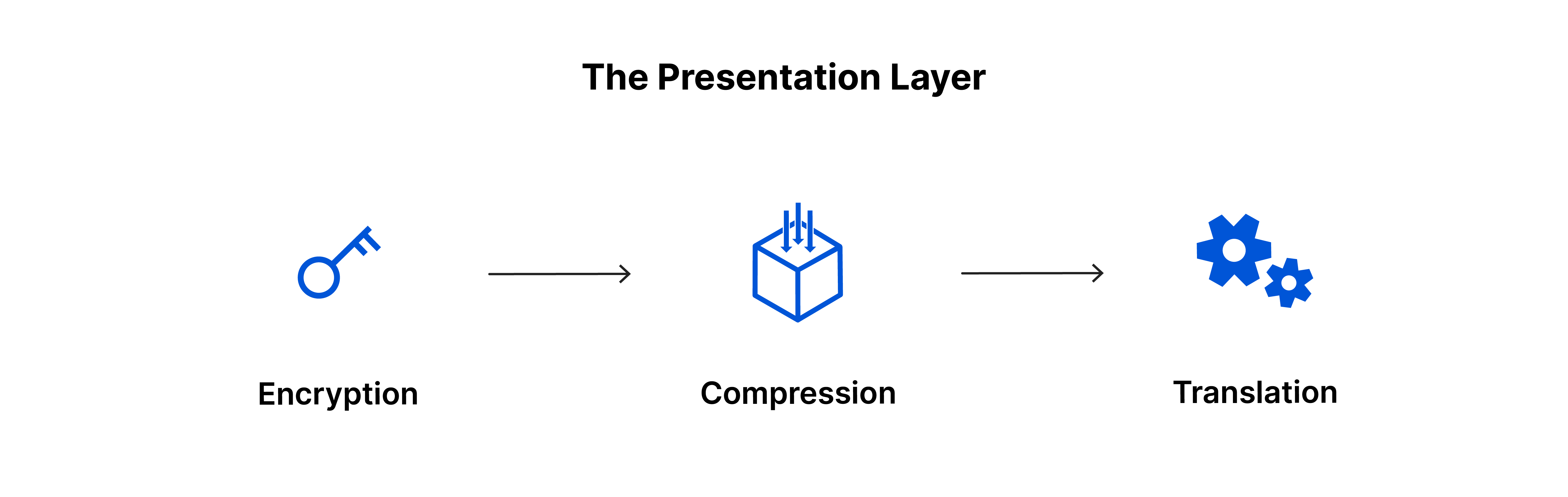
This layer preps data so the application layer can actually use it. Its three main jobs:
- Translation — converting data between formats devices can understand
- Encryption/Decryption — securing data in transit
- Compression — shrinking data for faster, more efficient transfer
5. Session Layer
Responsible for opening, maintaining, and closing the communication "session" between two devices. It also sets checkpoints during large data transfers — so if a connection drops midway, the transfer can resume from the last checkpoint instead of starting over.

4. Transport Layer
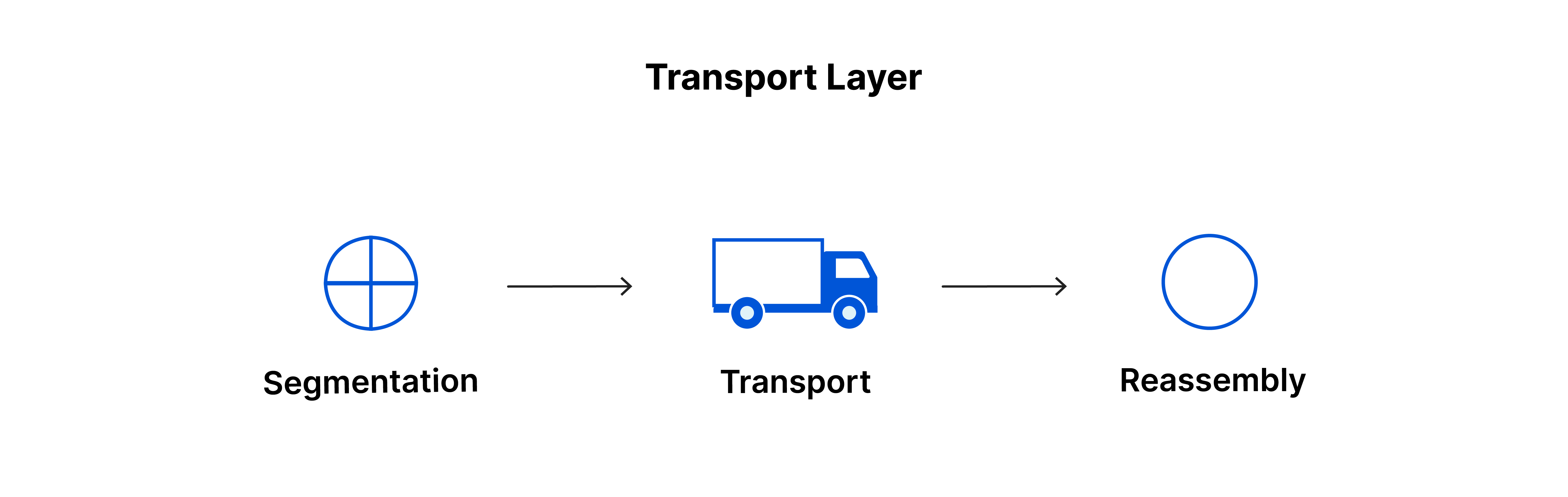
Handles end-to-end communication between devices. It breaks data into segments, and manages:
- Flow control — preventing a fast sender from overwhelming a slow receiver
- Error control — verifying complete, accurate delivery and requesting retransmission if needed
Key protocols here: TCP and UDP.
3. Network Layer
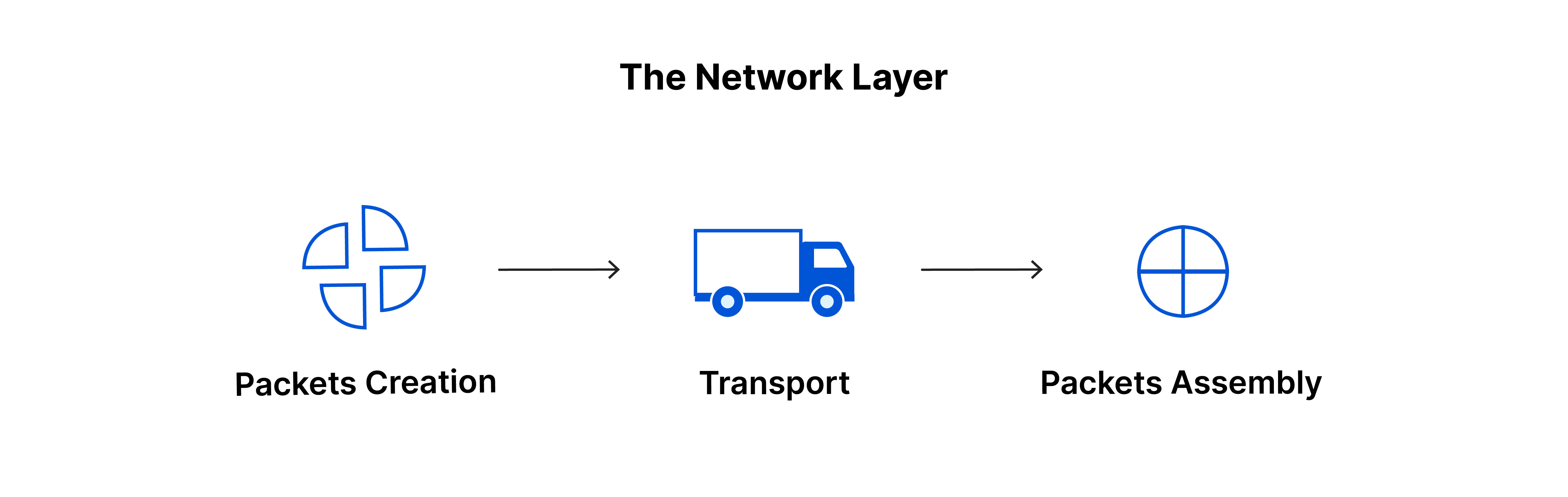
Manages data transfer between different networks. It breaks transport-layer segments into packets and determines the best path for those packets to travel — a process known as routing.
Key protocols: IP, ICMP, IGMP, IPsec.
2. Data Link Layer
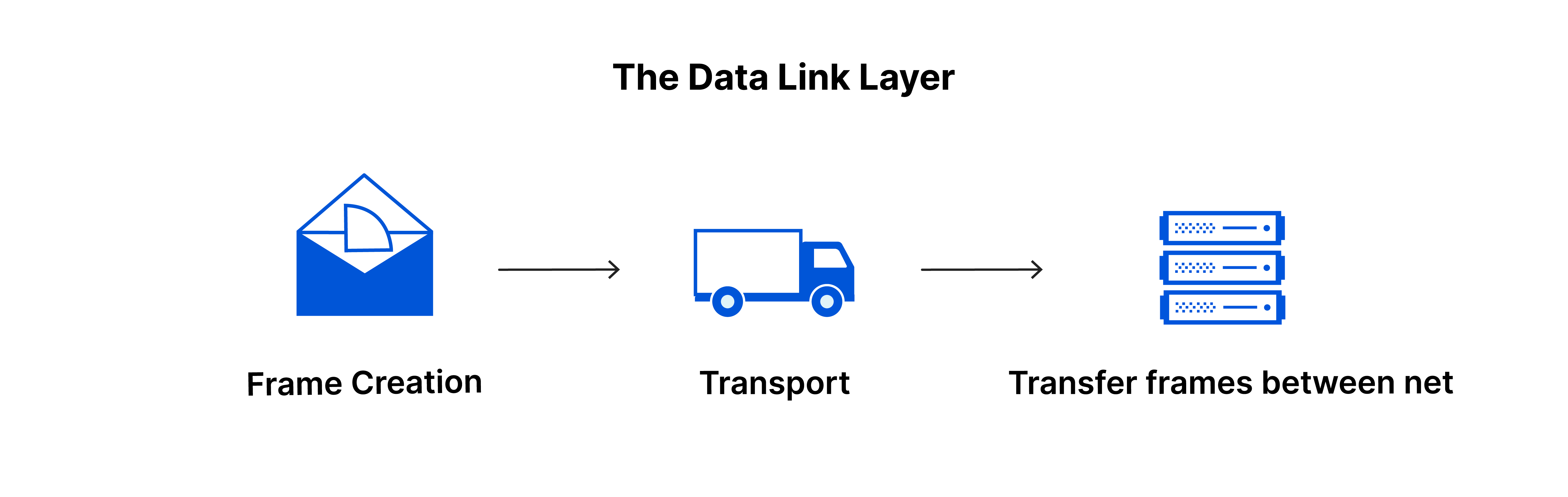
Similar to the network layer, but it handles data transfer within the same network. It breaks packets into smaller units called frames and manages flow/error control for that local exchange.
1. Physical Layer
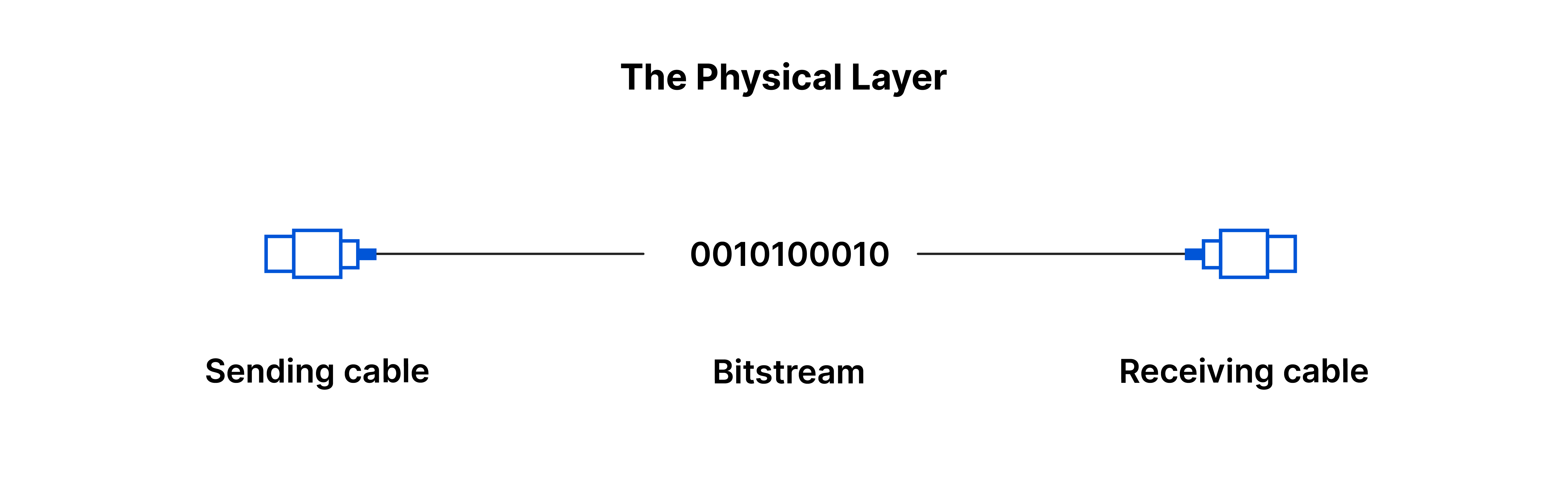
The most tangible layer — it covers the actual hardware: cables, switches, and connectors. This is where data becomes a raw bitstream of 1s and 0s, transmitted across a physical medium.
How Data Actually Flows: A Simple Example
Imagine sending an email:
- You write the email and hit send. It enters the application layer, which picks a protocol (like SMTP).
- The presentation layer compresses (and possibly encrypts) the data.
- The session layer opens a communication session.
- The transport layer breaks the data into segments.
- The network layer turns those into packets and figures out the routing path.
- The data link layer breaks packets into frames.
- The physical layer converts everything into a bitstream and sends it over the wire or Wi-Fi.
On the receiving end, the exact same process happens in reverse — bits become frames, frames become packets, packets become segments, and finally the data is reassembled into a readable email in the recipient's inbox.